轮世界/Wheel World
00:00 / 00:00
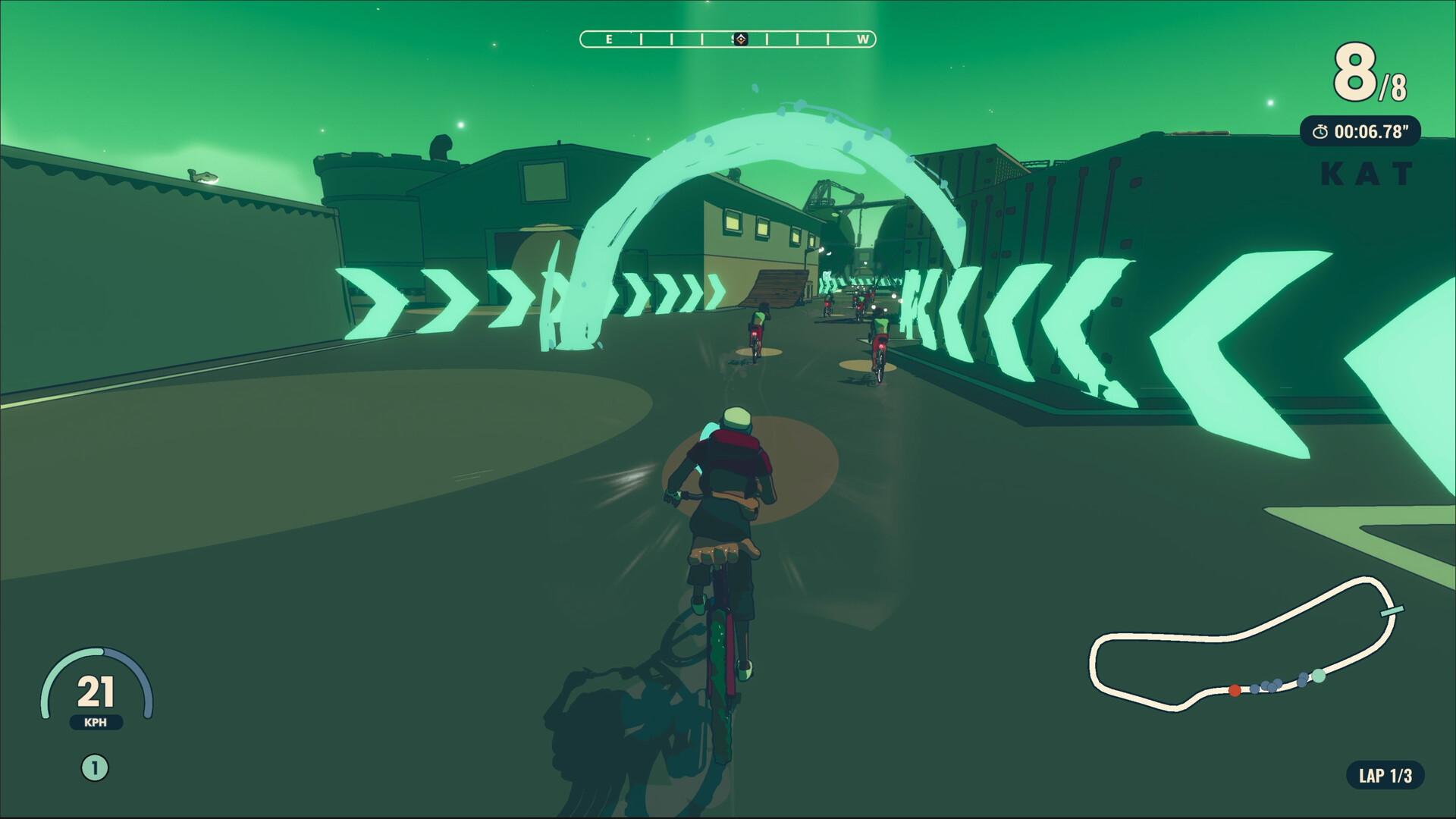
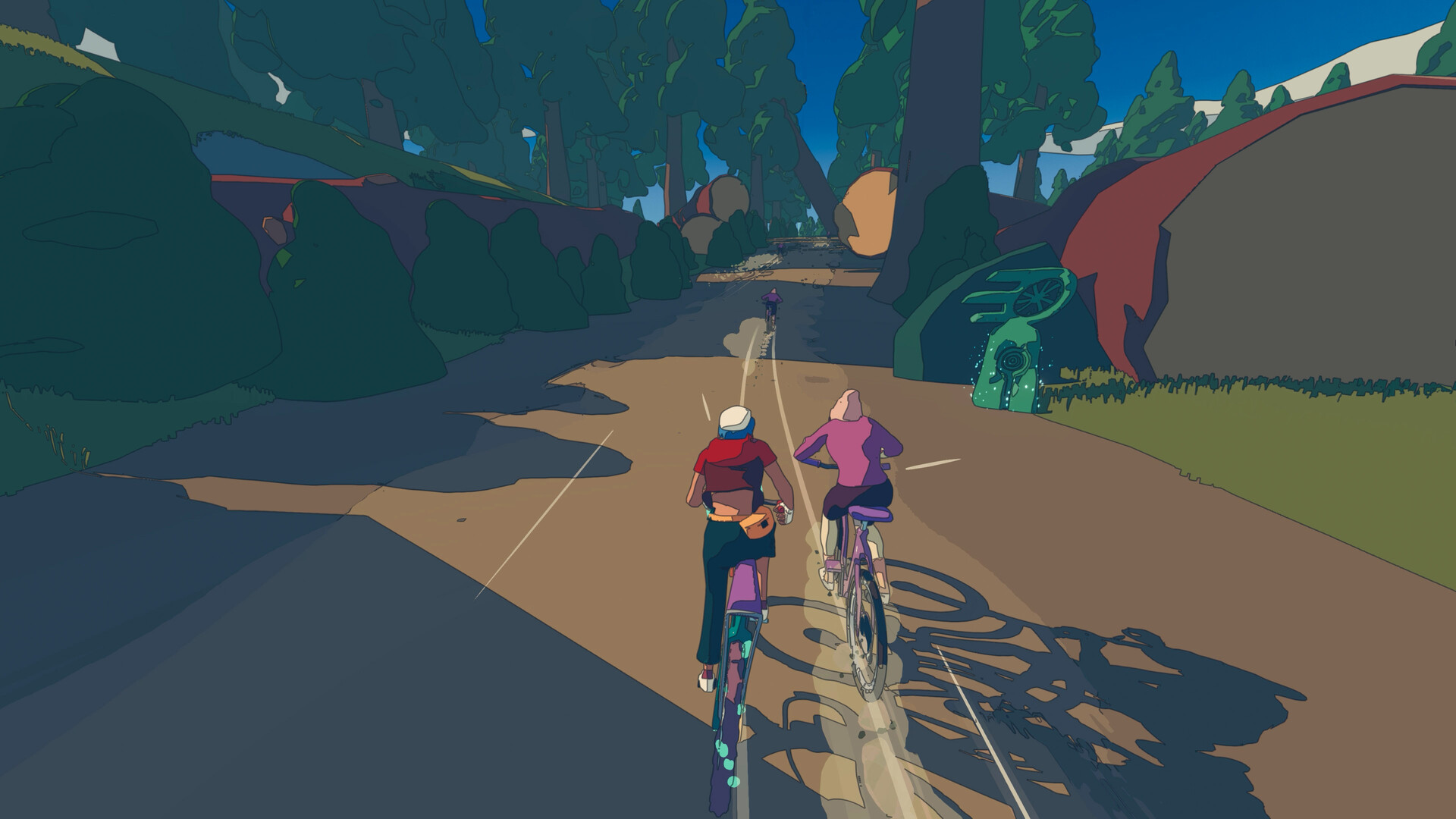
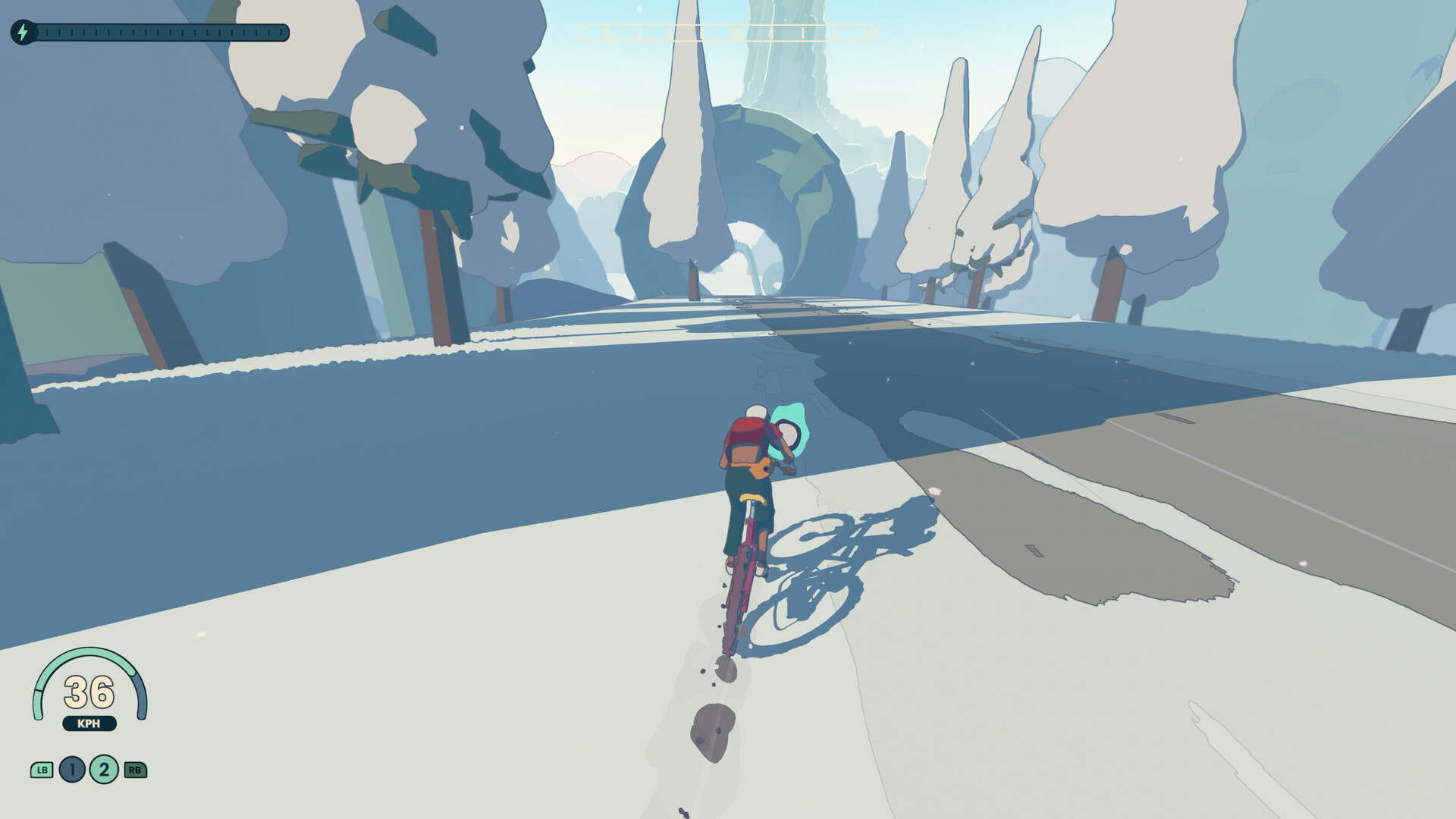
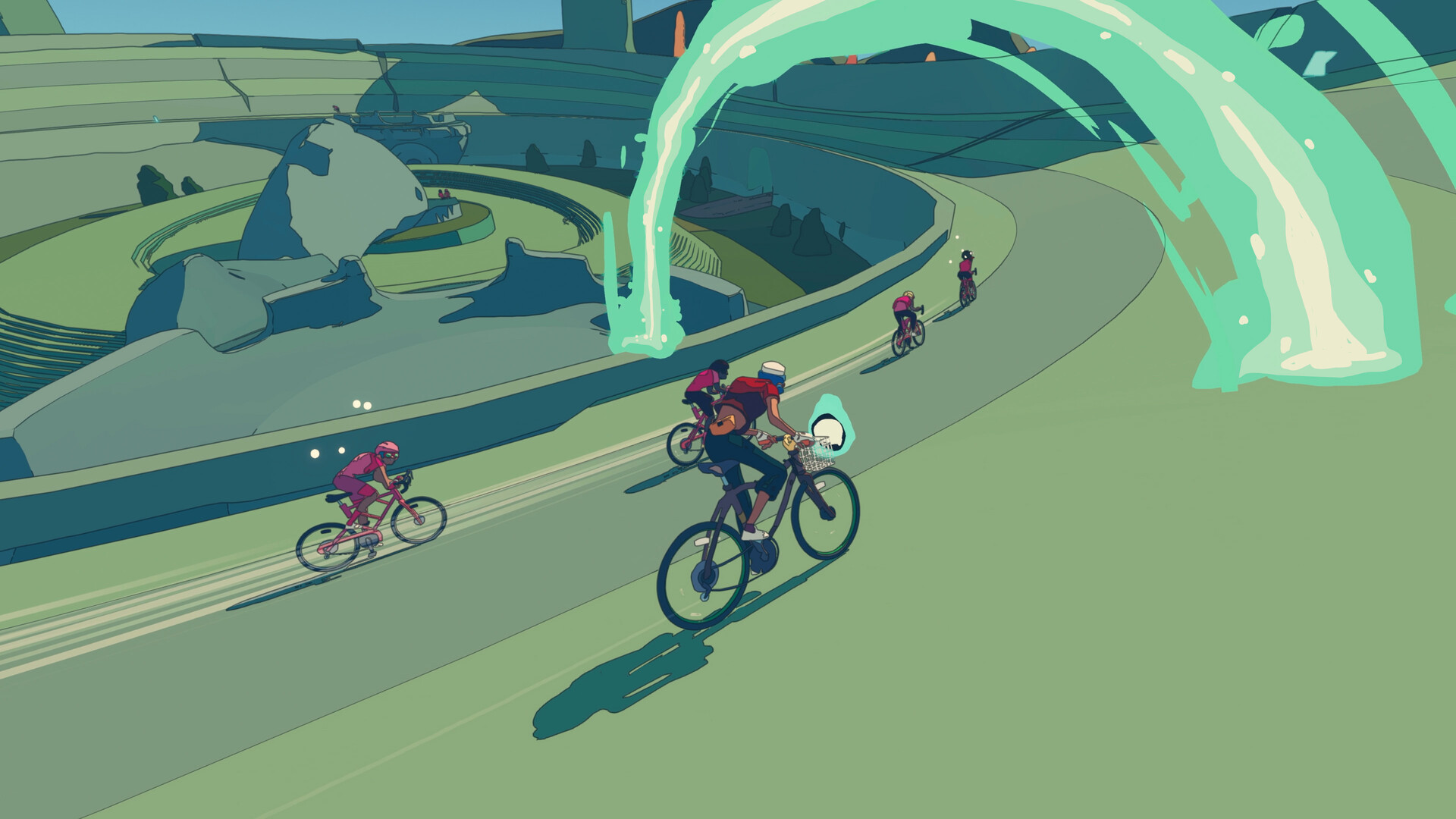
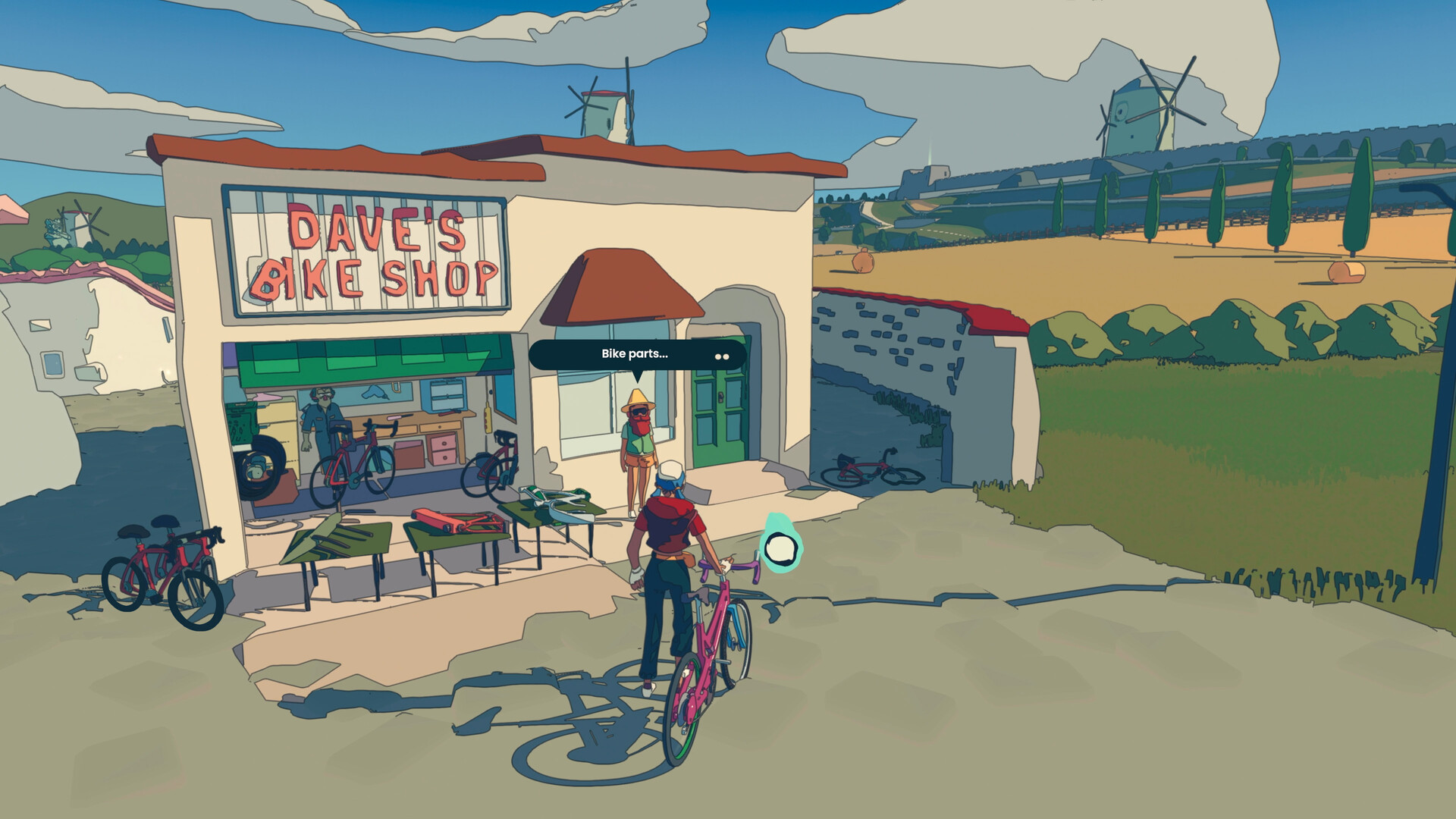
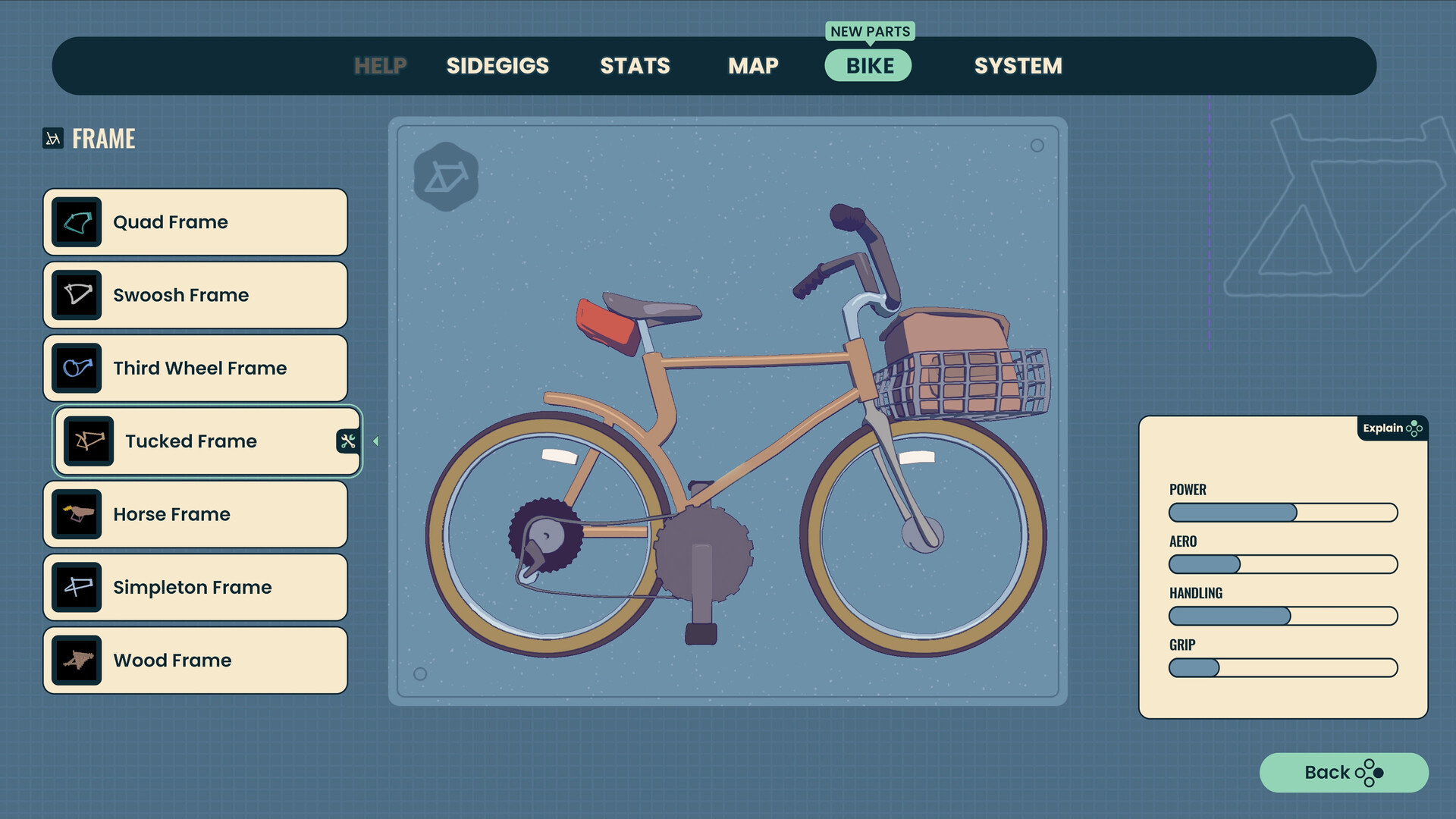

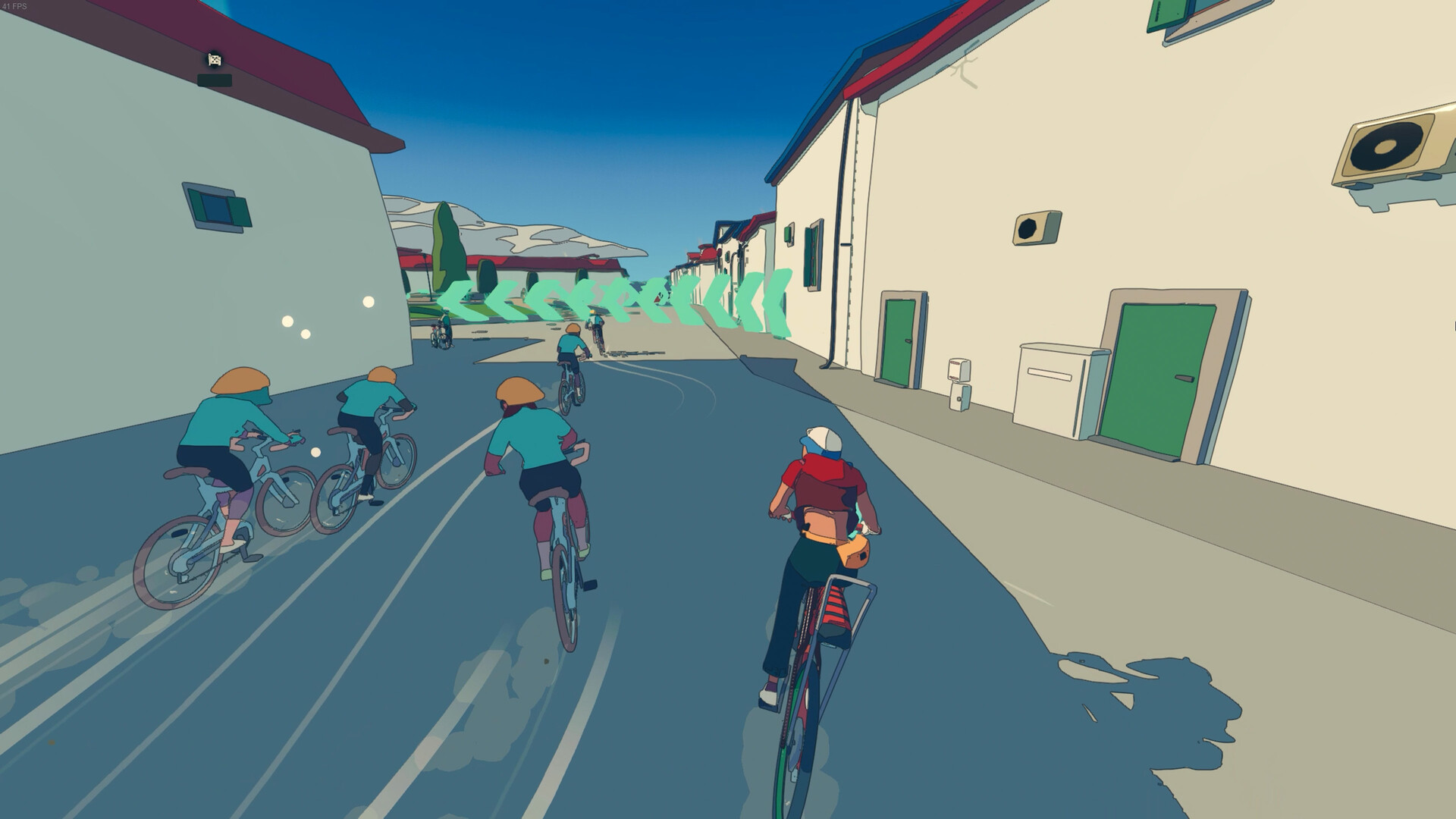
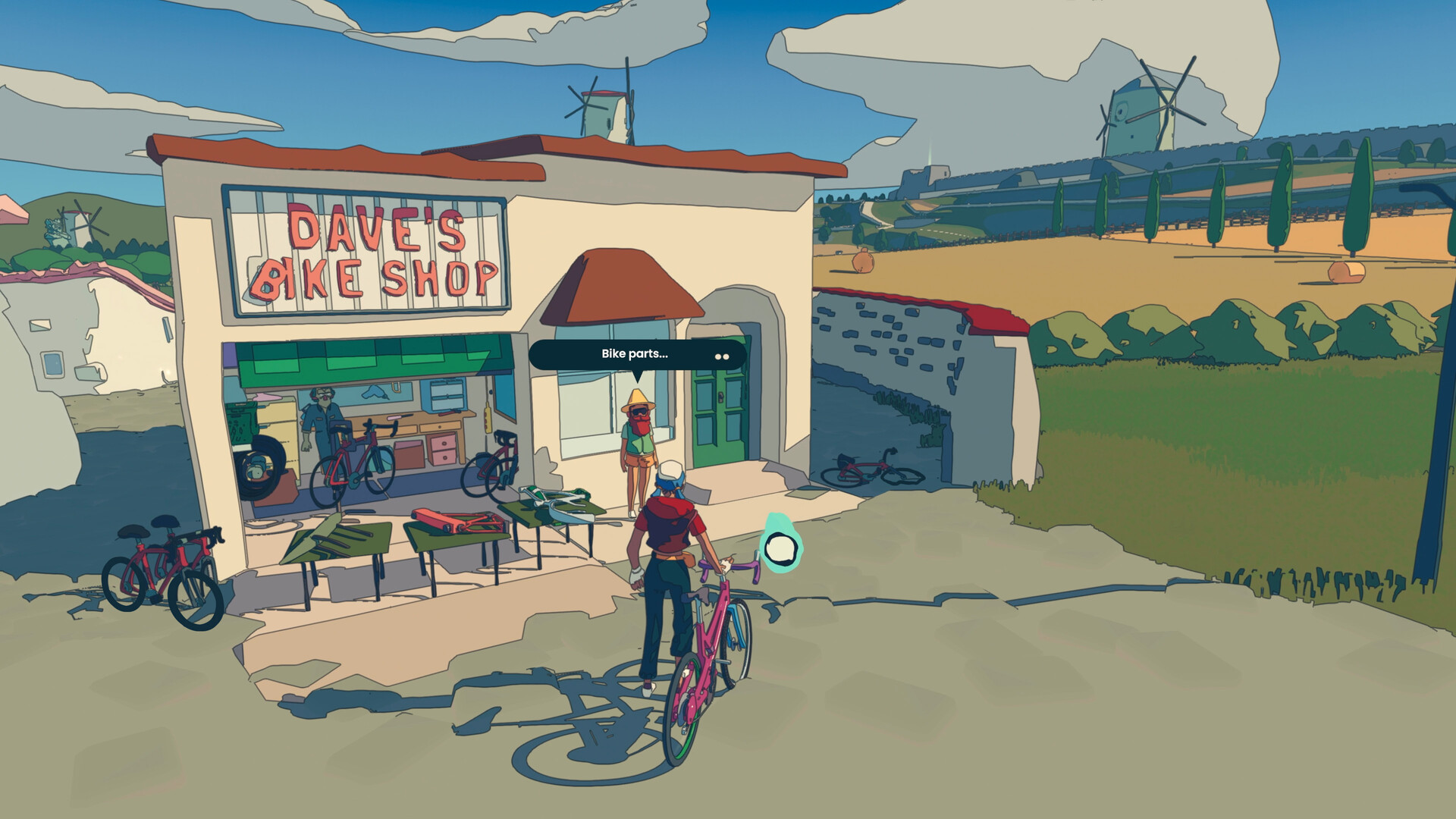
游戏名称: 轮世界/Wheel World
启动程序: WheelWorld\Wheel World.exe
DLC (1个):
Wheel World Soundtrack [原声音乐]
版本号: Build 20275262 游戏大小:5.37 GB
──────────────────────────────
常规更新 发布于 2025年9月10日周三 Post Launch Patch #3
Hey folks, we’re excited to drop two major updates for Wheel World!
Photo Mode is now here! 📸 Now you can capture and share Wheel World's stunning vistas, quirky characters, clutch race wins and secret jump spots with your friends and the rest of the Wheel World community on Steam.
Photo mode is very simple to use!
For players using mouse and keyboard:
Hold P on the keyboard to enter Photo Mode. From there you can fly the camera around using WASD and mouse look to position the camera, and press the Enter key to take a shot, which will be saved to your Steam screenshots library. A cheatsheet explaining controls for filters, zoom, and more can be toggled by pressing the Tab key. To exit Photo Mode, hold the Escape key.
For players using an Xbox controller:
Hold D-pad Left to enter photo mode. From there you can fly the camera around using the analogue sticks to position the camera, and press the A button to take a shot, which will be saved to your Steam screenshots library. A cheatsheet explaining controls for filters, zoom, and more can be toggled by pressing the AddressBar/Back button. To exit Photo Mode, hold Start or B.
For players using a PSX controller:
Hold D-pad Left to enter photo mode. From there you can fly the camera around using the analogue sticks to position the camera, and press Cross to take a shot, which will be saved to your Steam screenshots library. A cheatsheet explaining controls for filters, zoom, and more can be toggled by pressing the Share/Select button. To exit Photo Mode, hold Start/Menu or Circle.
Next up, a native Linux build is now available for Steam Deck users! This build provides a significant performance improvement on the Steam Deck. At the moment the Linux build is opt-in – to do this, open the game's compatibility settings, enable “Force the use of a specific Steam Play compatibility tool” and select Steam Linux Runtime 3.0 (sniper). This build will become the default for Steam Deck users soon.
On top of that, we’ve also included a number of bug fixes and quality of life improvements for both Steam and Xbox:
● Improved performance to reduce FPS dips.
● Fixed possible incorrect starting position in the Lunardo Boys Race.
上方为本次更新的部分信息,如需查看完整信息,请到:https://store.steampowered.com/news/app/1497460/view/524227425953909063
关于此游戏
发行日期:2025 年 7 月 23 日
关于此游戏
欢迎来到 Wheel World。在这里,宇宙的命运就掌握在你的车把上。
你是 Kat,一个年轻的自行车手,肩负着一个伟大使命:拯救即将崩溃的 Wheel World。探索这个令人惊叹的开放世界,欣赏令人印象深刻的景色,揭开深藏的秘密,并在各种竞赛中考验你的车技。用各种各样的零件定制你的自行车,从线条流畅的公路车到山地车 — 想怎么骑就怎么骑。
Wheel World 提供丰富的游戏内容:
竞赛和统治:在分秒必争的重大竞赛中,挑战精英自行车队和奇特的对手。
升级自行车:全世界搜刮稀有部件,打造出针对你自己的风格量身定制的终极自行车。
完成你的使命:找回失窃的传奇部件,最终完成大转变仪式,拯救世界。没什么大不了的。
Italians Do It Better 负责为本游戏提供原创配乐,为每一场竞赛和半开放世界探索中令人惊叹的时刻注入了能量。
是时候踏上荣耀之路,拯救 Wheel World 之魂,让宇宙走上正轨了。骑上车,使劲蹬,不要回头。
系统需求
Windows
最低配置:- 需要 64 位处理器和操作系统
- 操作系统: Windows 10
- 处理器: Intel Core i7-3770 or AMD Ryzen 5 1400
- 内存: 12 GB RAM
- 显卡: NVIDIA GeForce GTX 1060, 6GB or AMD Radeon RX 5500 XT, 8GB or Intel Arc A380, 6GB
- 需要 64 位处理器和操作系统
- 操作系统: Windows 11
- 处理器: Intel Core i3-13100 or AMD Ryzen 5 5500
- 内存: 12 GB RAM
- 显卡: NVIDIA GeForce GTX 1660 SUPER, 6GB or AMD Radeon RX 5600, 6GB or Intel Arc A750, 8GB
Linux
最低配置:- 操作系统: Ubuntu 20.04, Ubuntu 18.04, and CentOS 7
- 处理器: Intel Core i7-3770 or AMD Ryzen 5 1400
- 内存: 12 GB RAM
- 显卡: NVIDIA GeForce GTX 1060, 6GB or AMD Radeon RX 5500 XT, 8GB or Intel Arc A380, 6GB
- 操作系统: Ubuntu 20.04, Ubuntu 18.04, and CentOS 7
- 处理器: Intel Core i3-13100 or AMD Ryzen 5 5500
- 内存: 12 GB RAM
- 显卡: NVIDIA GeForce GTX 1660 SUPER, 6GB or AMD Radeon RX 5600, 6GB or Intel Arc A750, 8GB
收起
游戏下载
扫描下方二维码下载游戏资源
利用任意手机软件进行扫码进入,手机网盘转存后打开电脑网盘再进行下载
主更新资源
正常更新夸克网盘
推荐 夸克网盘
夸克网盘百度网盘
推荐 百度网盘
百度网盘提取码:1234
迅雷网盘
推荐
免会员非付费高速下载
使用说明

移动网盘
推荐 移动网盘
移动网盘备用高速下载渠道
历史备份资源
历史保留渠道,资源版本可能落后于主更新资源。UC网盘
旧资源 UC网盘
UC网盘免责声明
本站提供的资源转载自国内外各大媒体和网络,仅供试玩体验;不得将上述内容用于商业或者非法用途,否则,一切后果请用户自负。您必须在下载后的24个小时之内,从您的电脑中彻底删除上述内容。如果您喜欢该游戏内容,请支持正版,购买注册,得到更好的正版服务。我们非常重视版权问题,如有侵权请邮件与我们联系处理。敬请谅解!E-mail:627770917@qq.com